


4 to 360 hours of flexible workload
valid certificate in your country
What Will I Learn?
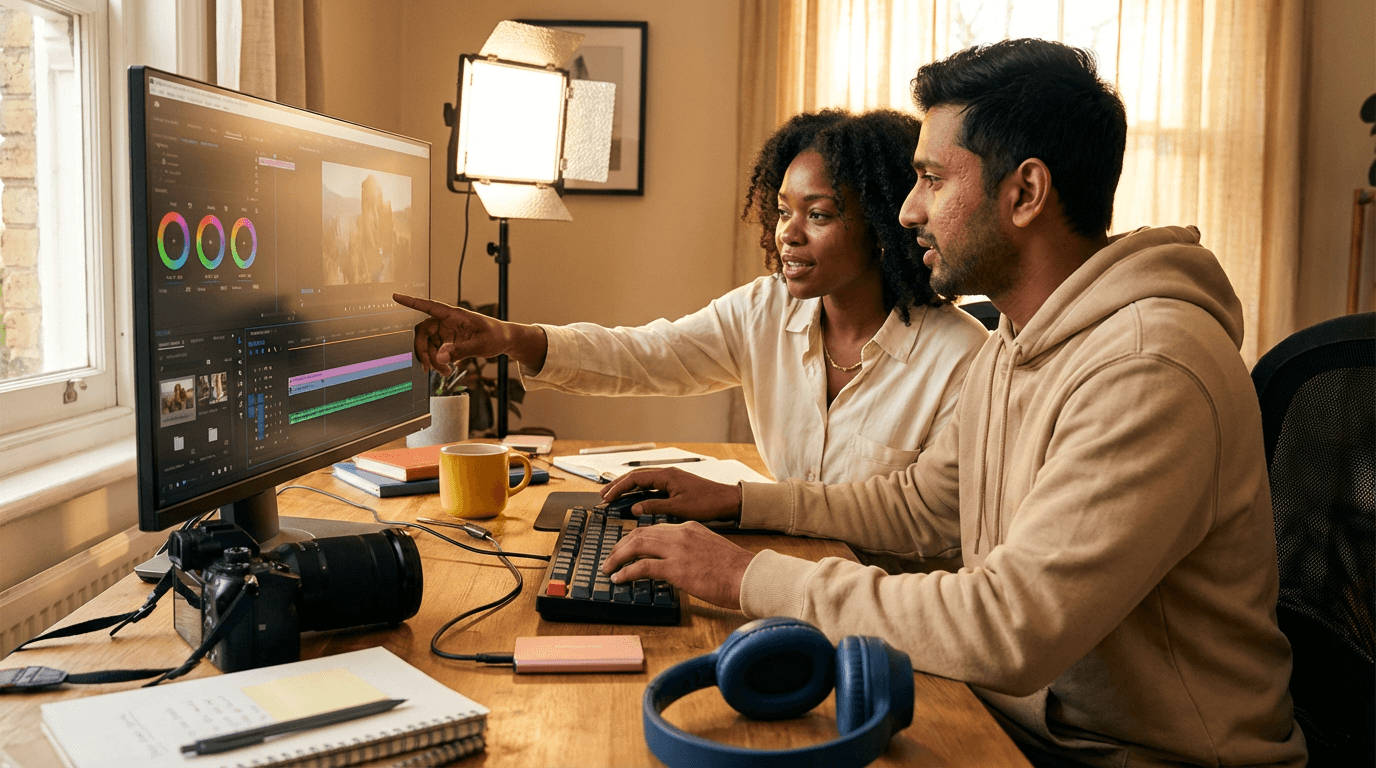
Master Adobe Premiere with a focused, practical course that takes you from clean project setup to polished, platform-ready content. Learn smart media management, fast timeline techniques, clear dialogue cleanup, balanced music, and professional color and graphics. Finish with optimized exports for YouTube and social, plus reliable workflows that save time and deliver consistent, high-quality results.
Elevify Differentials
Develop Skills
- Fast Premiere workflow: trim, shortcut, and organize pro timelines in hours.
- Clean, pro audio: fix dialogue, mix music, and hit YouTube loudness targets.
- Polished visuals: color correct, add titles, and design clean lower thirds fast.
- Social-ready exports: master YouTube and vertical settings that look razor sharp.
- B-roll and vertical edits: reframe, match cut, and optimize for mobile viewing.
Suggested Summary
Before starting, you can change the chapters and workload. Choose which chapter to start with. Add or remove chapters. Increase or decrease the course workload.What our students say
FAQs
Who is Elevify? How does it work?
Do the courses have certificates?
Are the courses free?
What is the course workload?
What are the courses like?
How do the courses work?
What is the duration of the courses?
What is the cost or price of the courses?
What is an EAD or online course and how does it work?
PDF Course