


computer installer-repairer training
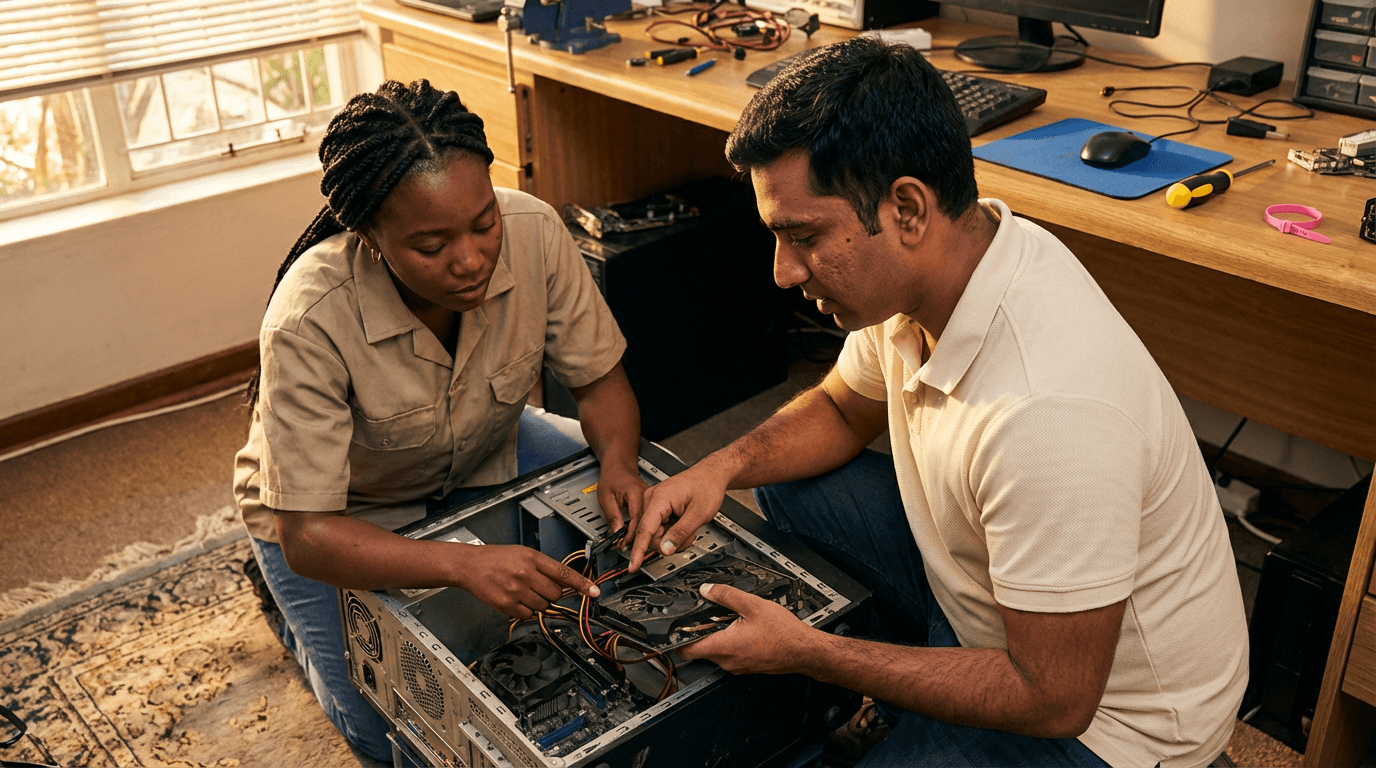
Gain mastery in PC troubleshooting, repairs, and enhancements through practical sessions on hardware problems, installing RAM and SSDs, configuring BIOS/UEFI, running stress tests, and managing clients safely—develop essential technician abilities for dependable, expert computer servicing in everyday scenarios.
flexible workload from 4 to 360h
valid certificate in your country
What will I learn?
This training offers a straightforward, hands-on guide to quickly diagnosing and resolving computer system problems. You will cover safe handling procedures, ESD protection, thorough visual checks, power supply and heat management tests, RAM and SSD matching, and detailed installation steps. Gain expertise in POST codes, SMART diagnostics, system stress testing, and error log review, concluding with full system checks, proper records, and smooth handover to clients.
Elevify advantages
Develop skills
- PC fault diagnosis: use professional tools, logs, and stress tests to pinpoint root causes swiftly.
- Hardware installation: securely install RAM and SSDs following BIOS settings and cable management standards.
- Power and thermal checks: evaluate PSUs, voltages, and cooling systems to prevent unexpected shutdowns.
- Upgrade planning: select matching RAM, SSDs, and configurations for optimal, reliable operation.
- Professional repair process: handle intake safely with ESD measures, conduct validation tests, and deliver clear client updates.
Suggested summary
Before starting, you can change the chapters and workload. Choose which chapter to start with. Add or remove chapters. Increase or decrease the course workload.What our students say
Your classes are perfect. I got the one-year package and finally have the chance to follow several topics I'm interested in without having to switch platforms... I appreciate everything you do, I've already recommended you to others...

Giulio CarloDigital Marketing Student
I like how the lessons are straight to the point and how I can switch chapters and skip content I don't need.

Mariana FerresPhotography Student
I like the content and the way the videos are presented and transcribed, which speeds up the process!

Luciana AlvarengaNail Design Student
The platform is fast and easy to use. The variety of content and the extra videos really help with learning.

Giulio CarloPrompt Engineering Student
FAQ
Who is Elevify? How does it work?
Do the courses have certificates?
Are the courses free?
What is the course workload?
What are the courses like?
How do the courses work?
What is the duration of the courses?
What is the cost or price of the courses?
What is an EAD or online course and how does it work?
PDF Course