Autodesk Civil 3D Training
4.5/5
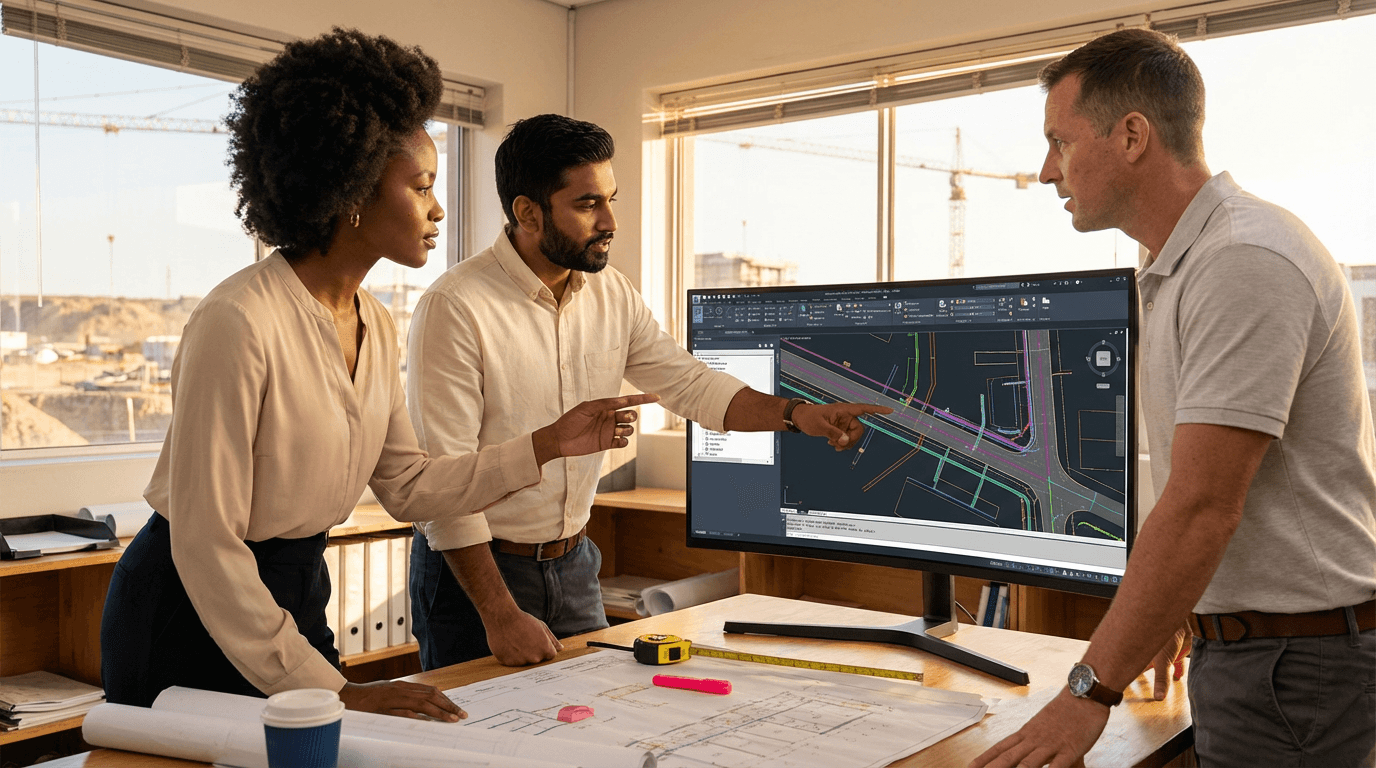
Master Autodesk Civil 3D for real-world engineering projects. Gain skills in surfaces, alignments, profiles, corridors, drainage, and plan production to deliver precise road and site designs, clear documentation, and reliable quantity takeoffs. This course equips you with practical tools for efficient project workflows and consistent results in civil engineering design.
4.5 in rating
4 to 360 hours flexible workload
valid certificate in your country
What will I learn?
Autodesk Civil 3D Training provides practical skills to set up projects, create accurate existing ground surfaces, design horizontal and vertical alignments, and model corridors using assemblies and subassemblies. You will learn to develop stormwater pipe networks, apply local design constraints, and generate clear plans, profiles, cross-sections, and quantity takeoffs for fast, reliable, and consistent project delivery in civil engineering.
Elevify advantages
Develop skills
- Civil 3D alignment and profile design: lay out safe, code-compliant road geometry quickly.
- Corridor and assembly modelling: build, test, and refine 3D road corridors efficiently.
- Stormwater pipe networks: size, lay out, and check street drainage in Civil 3D.
- Surface and survey workflows: turn raw survey data into clean, reliable existing ground surfaces.
- Plan production and quantities: create sheets, sections, and earthwork takeoffs quickly.
Suggested summary
Before starting, you can change the chapters and the workload. Choose which chapter to start with. Add or remove chapters. Increase or decrease the course workload.What our students say
Your lessons are perfect. I purchased the one-year package and finally have the opportunity to follow various topics of interest without needing to change platforms... I'm grateful for everything you do, I've already recommended you to other people...

Giulio CarloDigital Marketing Student
I like how the lessons are straight to the point and how I can change chapters and skip content I don't need.

Mariana FerresPhotography Student
I like the content and the way videos are presented and transcribed, which speeds up the process!

Luciana AlvarengaNail Design Student
The platform is fast and simple to use. The diversity of content and complementary videos really help with learning.

André FelipePrompt Engineering Student
FAQ
Who is Elevify? How does it work?
Do the courses come with a certificate?
Are the courses free?
What is the duration of the courses?
What are the courses like?
How do the courses work?
What is the duration of the courses?
What is the cost or price of the courses?
What is an online course and how does it work?
PDF Course