AutoCAD and SketchUp Course
Master AutoCAD and SketchUp in one comprehensive course built for designers, architects, and drafters who need real results. You will go from 2D technical drawings to photorealistic 3D renders, covering every stage of a professional design workflow. By the end, you will have a portfolio-ready project that proves your skills to employers and clients.
from 4 to 360h flexible workload
valid certificate in your country
What will I learn?
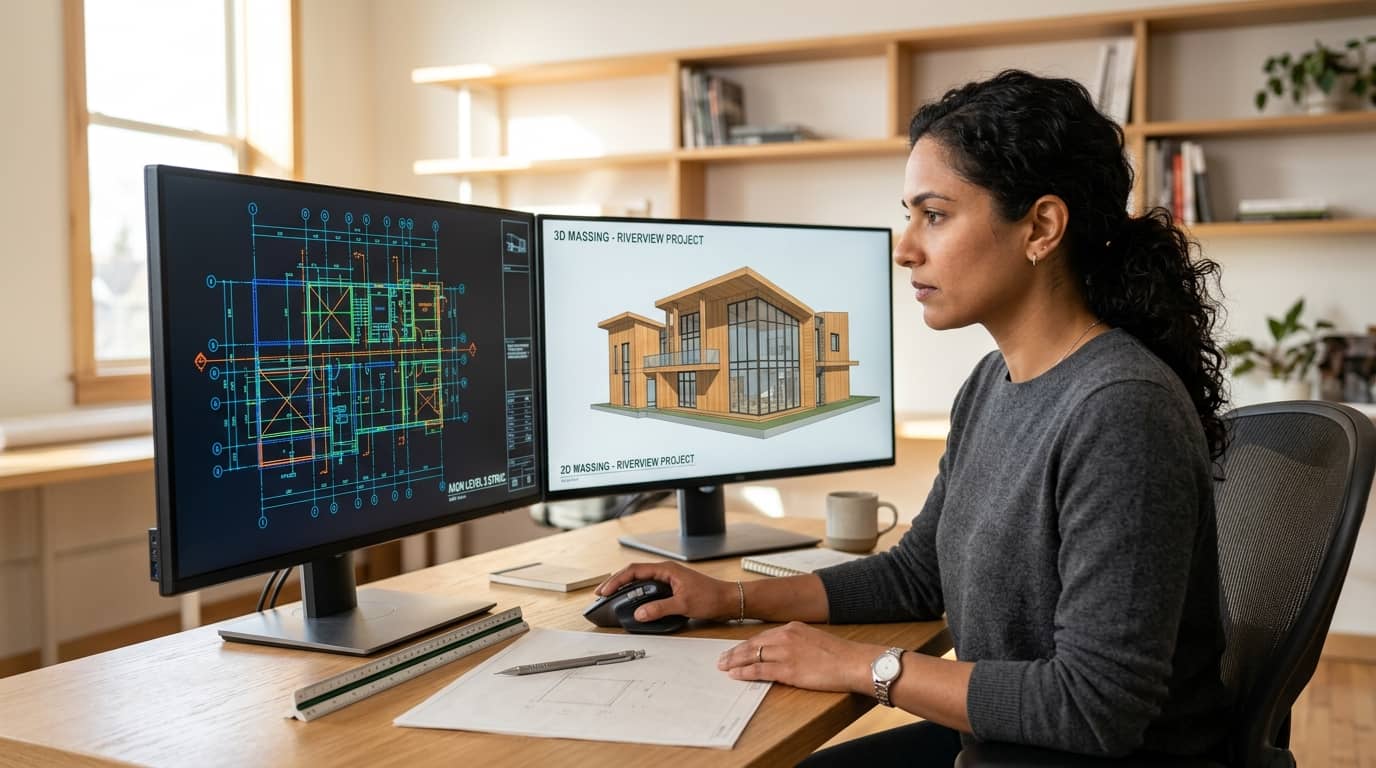
This course takes you through AutoCAD's core drafting commands, layer management, blocks, and layout setup for production-ready drawing sets. You will then build full 3D models in SketchUp using push-pull tools, components, terrain modelling, and advanced extensions. You will learn to connect both platforms in a coordinated workflow, moving geometry between AutoCAD and SketchUp without losing accuracy. Rendering with V-Ray and Enscape turns your models into professional visual presentations. The course closes with a capstone project where you produce complete technical documentation and a polished presentation package.
Elevify advantages
Develop skills
- AutoCAD 2D Drafting: Produce dimensioned floor plans, sections, and elevations with precision.
- SketchUp 3D Modelling: Build detailed massing models and site designs using push-pull workflows.
- Rendering and Visualisation: Create photorealistic renders with V-Ray and real-time walkthroughs with Enscape.
- Integrated Workflow Management: Coordinate AutoCAD drawings and SketchUp models across a full project.
Suggested summary
Before starting, you can change the chapters and workload. Choose which chapter to start with. Add or remove chapters. Increase or decrease the course workload.What our students say
Your lessons are perfect. I purchased the one-year package and finally have the opportunity to follow various topics of my interest without needing to change platforms... I thank you for everything you do, I've already recommended you to other people...

Giulio CarloDigital Marketing Student
I like how the lessons are straight to the point and how I can change chapters and skip content I don't need.

Mariana FerresPhotography Student
I like the content and the way videos are presented and transcribed, which speeds up the process!

Luciana AlvarengaNail Design Student
The platform is fast, simple to use. The diversity of content and complementary videos really help with learning.

André FelipePrompt Engineering Student
FAQ
Who is Elevify? How does it work?
Do the courses have certificates?
Are the courses free?
What is the course workload?
What are the courses like?
How do the courses work?
What is the duration of the courses?
What is the cost or price of the courses?
What is an online course and how does it work?
PDF Course