


V-Ray for 3ds Max Course
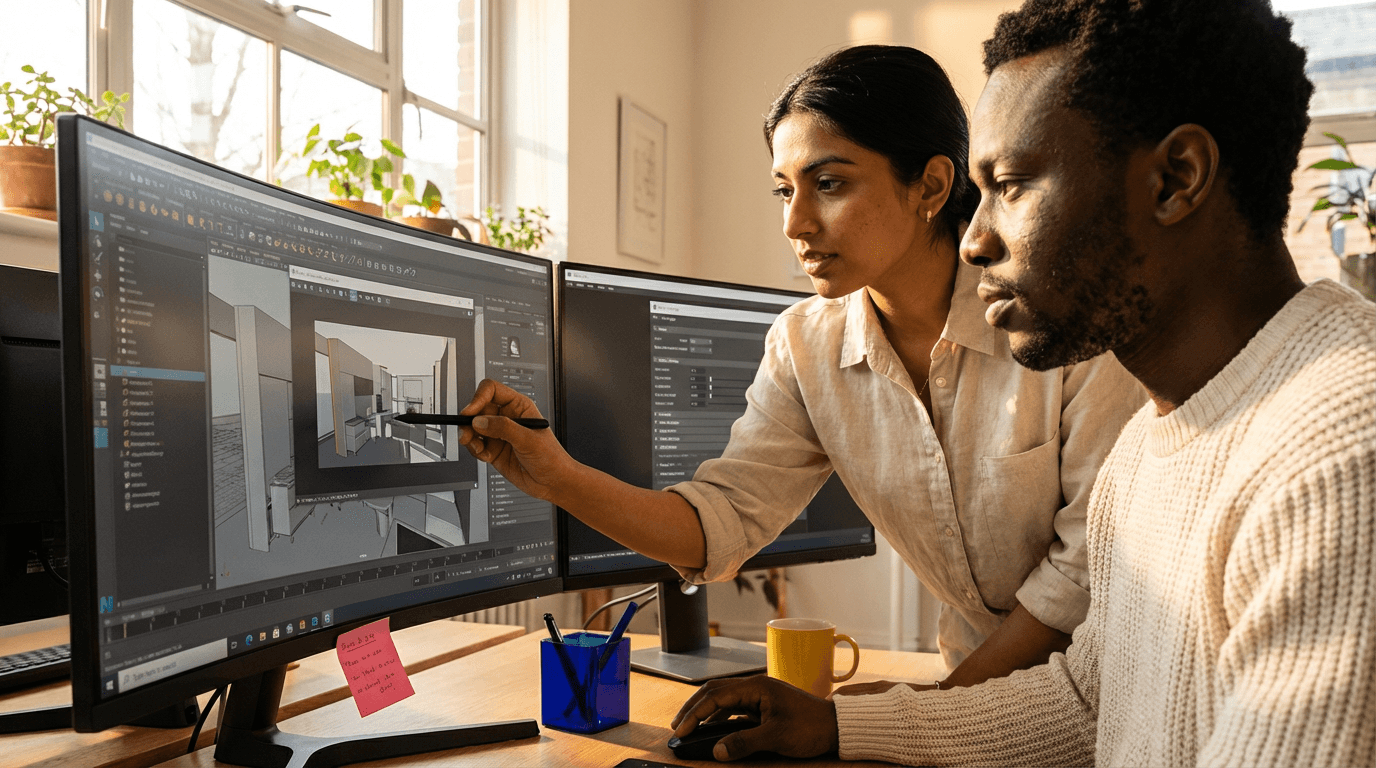
Gain mastery in V-Ray for 3ds Max to produce lifelike interior visuals. Discover professional lighting techniques, camera configuration, realistic materials, rendering improvements, and editing skills to create top-quality images for building designs, products, and room setups. Perfect for delivering standout work that impresses clients and boosts your portfolio in architecture and design fields.
flexible workload of 4 to 360h
valid certificate in your country
What will I learn?
This V-Ray for 3ds Max course takes you through a full process to produce realistic interior images quickly. You'll cover proper scene organisation, camera setups like real photos, natural light and HDRI illumination, plus materials that act like real wood, cloth, glass, and metal. Get expert at rendering options, noise removal, speed tweaks, and smart final touches for online or print displays.
Elevify advantages
Develop skills
- Photorealistic V-Ray lighting: set up daylight, HDRI, and atmosphere swiftly.
- Speedy V-Ray rendering: fine-tune global illumination, denoising, and sampling for top results.
- Realistic PBR materials in V-Ray: create convincing wood, fabric, glass, and metals easily.
- Expert interior camera control: position, light, and arrange 3D views for sales appeal.
- Post-production process: colour correct, enhance sharpness, and prepare final images for clients.
Suggested summary
Before starting, you can change the chapters and the workload. Choose which chapter to start with. Add or remove chapters. Increase or decrease the course workloadWhat our students say
Your lessons are perfect. I got the one-year package and finally have the chance to follow several topics I'm interested in without having to switch platforms... I appreciate everything you do, and I've already recommended you to others...

Giulio CarloDigital Marketing Student
I like how the lessons get straight to the point and how I can switch chapters and skip content I don't need.

Mariana FerresPhotography Student
I like the content and the way the videos are presented and transcribed, which speeds up the process!

Luciana AlvarengaNail Design Student
The platform is fast and easy to use. The variety of content and the extra videos really help with learning.

Giulio CarloPrompt Engineering Student
FAQ
Who is Elevify? How does it work?
Do the courses have certificates?
Are the courses free?
What is the course workload?
What are the courses like?
How do the courses work?
What is the duration of the courses?
What is the cost or price of the courses?
What is an EAD or online course and how does it work?
PDF Course