


computer installer-repairer training
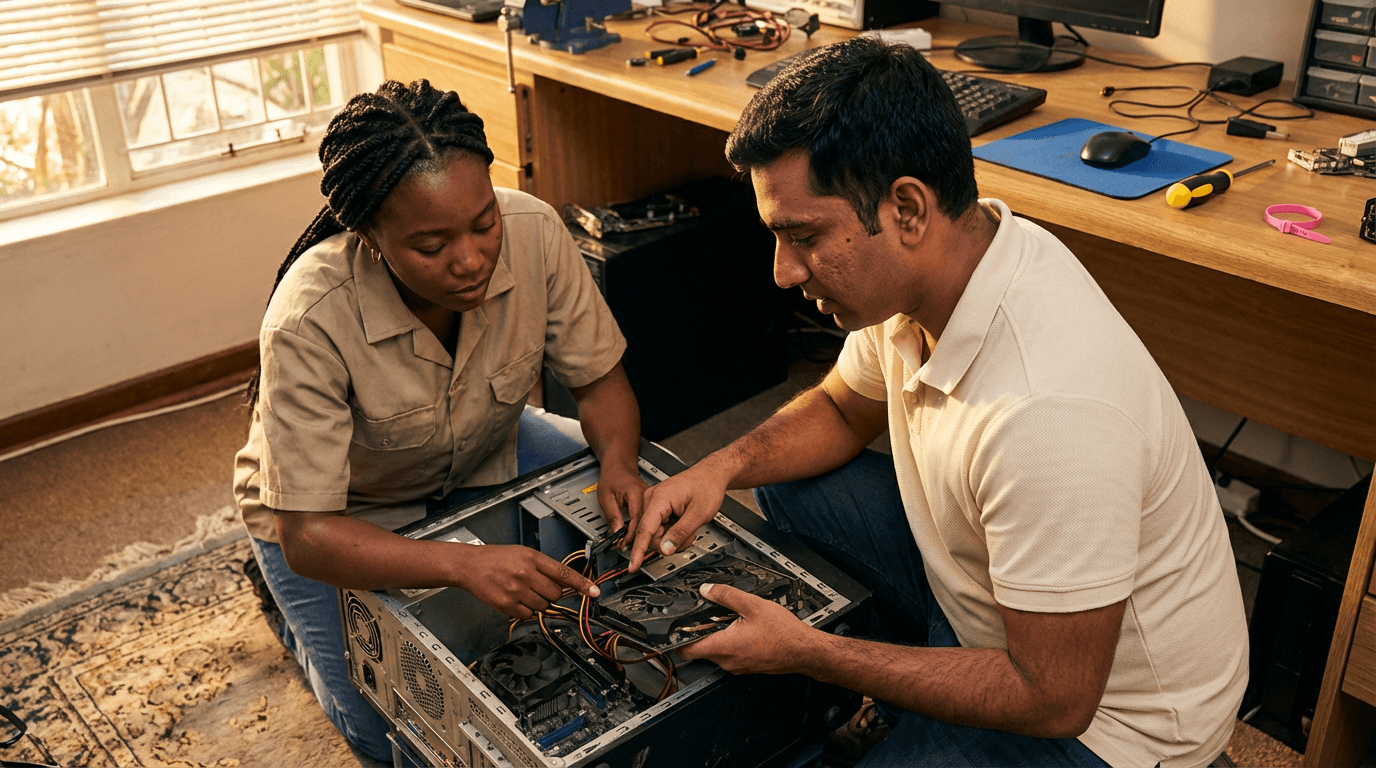
Gain mastery in PC diagnostics, repairs, and upgrades through practical sessions on hardware troubleshooting, installing RAM and SSDs, configuring BIOS/UEFI, conducting stress tests, and managing customer interactions safely—develop essential skills for dependable, professional computer servicing in real-world scenarios.
from 4 to 360h flexible workload
valid certificate in your country
What will I learn?
This training offers a straightforward, hands-on guide to quickly diagnosing and resolving computer system problems. You'll cover safe handling procedures, ESD protection, thorough visual checks, power supply and thermal evaluations, RAM and SSD compatibility checks, and detailed installation steps. Gain expertise in POST codes, SMART diagnostics, stress testing, log reviews, followed by complete system validation, proper documentation, and smooth handover to customers.
Elevify advantages
Develop skills
- PC fault diagnosis: use professional tools, logs, and stress tests to pinpoint root causes swiftly.
- Hardware installation: securely install RAM and SSDs following BIOS best practices and cable management.
- Power and thermal checks: evaluate PSUs, voltages, and cooling systems to prevent unexpected shutdowns.
- Upgrade planning: select compatible RAM, SSDs, and configurations for optimal, stable performance.
- Professional repair process: handle intake, ESD safety, validation testing, and clear customer handover.
Suggested summary
Before starting, you can change the chapters and the workload. Choose which chapter to start with. Add or remove chapters. Increase or decrease the course workload.What our students say
As suas aulas são perfeitas. Adquiri o pacote de um ano e, finalmente, tenho a oportunidade de acompanhar diversos temas do meu interesse sem precisar mudar de plataforma... agradeço por tudo o que fazem, já recomendei vocês a outras pessoas...

Giulio CarloAluno de Marketing Digital
Eu gosto de como as lições são direto ao ponto e como eu consigo alterar capítulos e pular conteúdos que não preciso.

Mariana FerresAluna de Fotografia
Gosto do conteúdo e do modo de apresentação e transcrição de vídeos, o que acelera o processo!

Luciana AlvarengaAluna de Design de Unhas
A plataforma é rápida, simples de usar. A diversidade de conteúdo e os vídeos complementares ajudam muito no aprendizado.

Giulio CarloAluno de Engenharia de Prompt
FAQ
Who is Elevify? How does it work?
Do the courses have certificates?
Are the courses free?
What is the course duration?
What are the courses like?
How do the courses work?
What is the duration of the courses?
What is the cost or price of the courses?
What is an EAD or online course and how does it work?
PDF Course